
Do you need to make a change to the name of your Facebook Business page? (For example, add “TierOne Travel” into the name, for branding recognition)?
If so, the below steps will help you request a name change to your page quickly and easily:
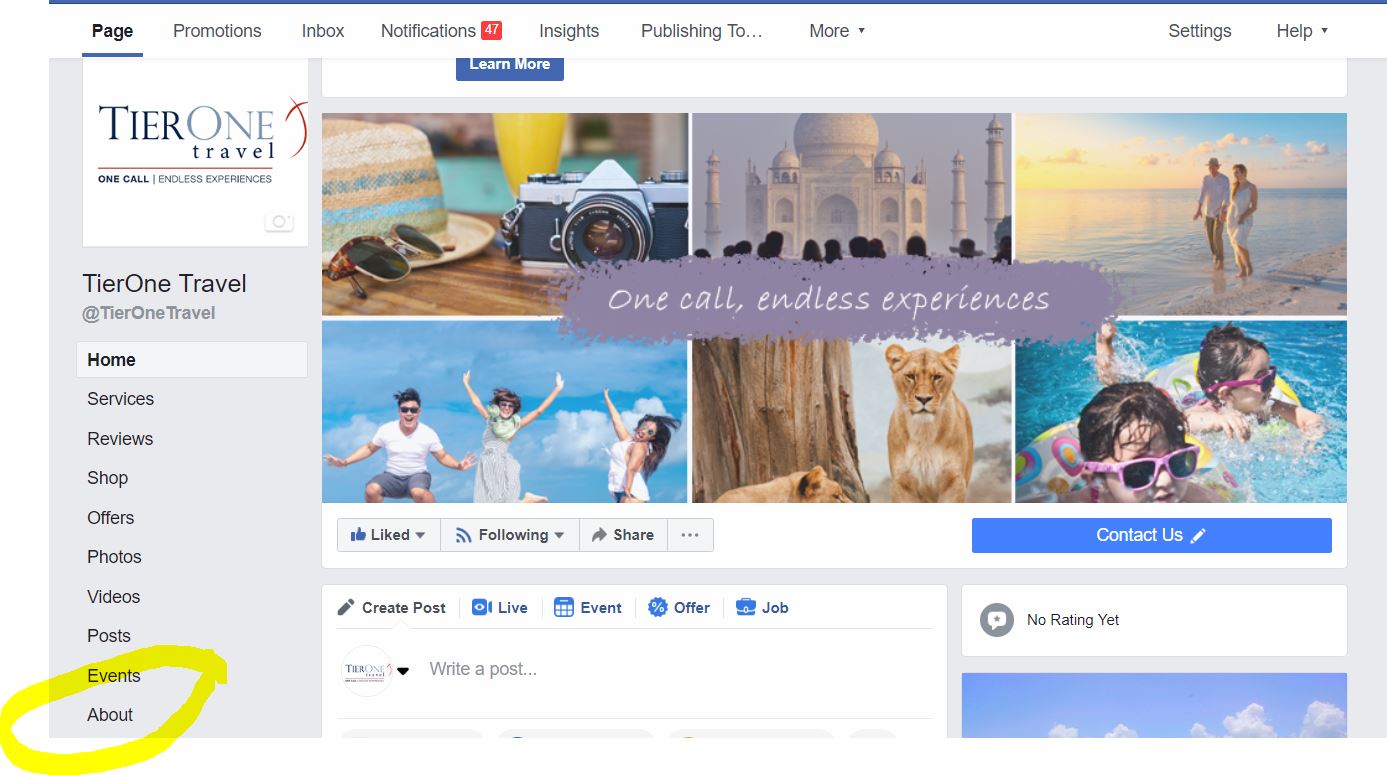
Step 1: From your Facebook Business Page, click “About” on the left-hand column
Step 2: Click “Edit” next to your Page’s name

Step 3: Enter a new Page name and click Continue.
Step 4: Review your request and click Request Change.
Facebook will respond to you within a few weeks with an approval, or a reason why the name change could not be made.
If you have any questions, please reach out to your TierOne Marketing Manager. Thank you!